
Snapchat users often notice space badges on profile pages or hear friends talk about being “Mercury” or “Venus” in an orbit. This visual feature is known as the Snapchat Friend Solar System, and it is exclusive to Snapchat Plus (Snapchat+) members.
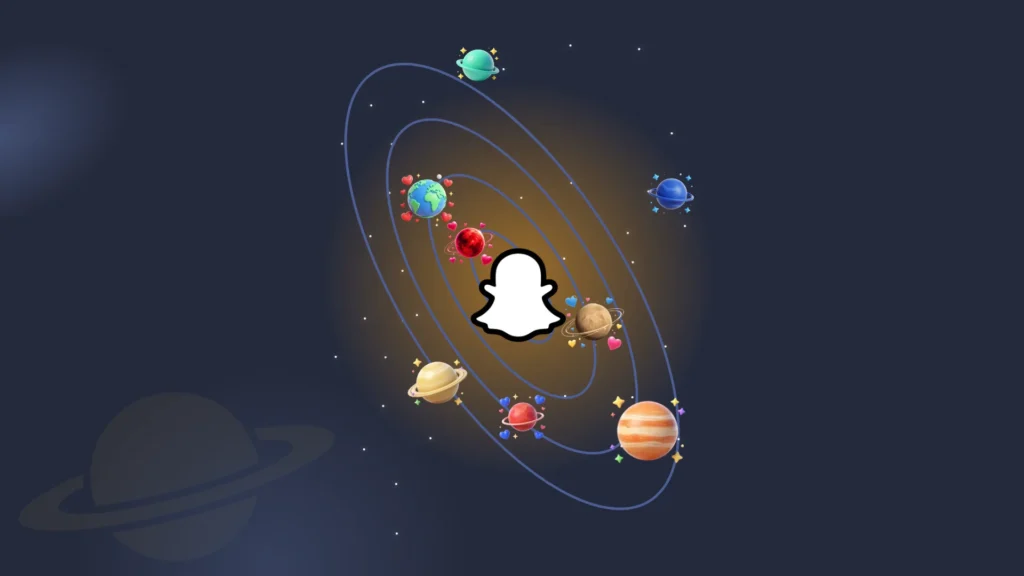
The feature works by placing you in the middle as the Sun, while your top eight best friends orbit around you as Planets. Their positions change depending on how much you text, send snaps, and make calls with each other.
Here is a complete, step-by-step breakdown explaining what every planet means, how the Snapchat algorithm calculates your rankings, and how to manage the feature inside your app settings.
What Are Snapchat Planets?
Snapchat Planets are custom friendship badges that organize your top eight contacts into a personal orbit. If you subscribe to Snapchat Plus, your profile functions as the center Sun, while your closest friends take on planet positions, starting with Mercury for your absolute #1 best friend down to Neptune for number eight.
Unlike static friend lists, the Snapchat algorithm continually recalculates these planetary spots behind the scenes. It tracks how often you send direct snaps, exchange text messages, reply to stories, and jump on calls. As your daily streak or conversation habits shift, your position inside a friend’s solar system moves automatically.
Snapchat Planets in Order
The Snapchat planet order follows the natural arrangement of planets in our real solar system, starting from the Sun and moving outward across eight positions. Your position in a friend’s orbit depends directly on your daily chat volume, snap count, and call activity.

Mercury (1st Best Friend)
The closest planet to the Sun. Represents your absolute top best friend with whom you exchange the most snaps and direct messages.

Venus (2nd Best Friend)
The second planet in orbit. Marks a very close, active connection with regular daily chats.

Earth (3rd Best Friend)
Represents your third closest friend. Features high interaction and consistent story replies.

Mars (4th Best Friend)
The fourth spot in the lineup. Represents steady contact and regular conversations.
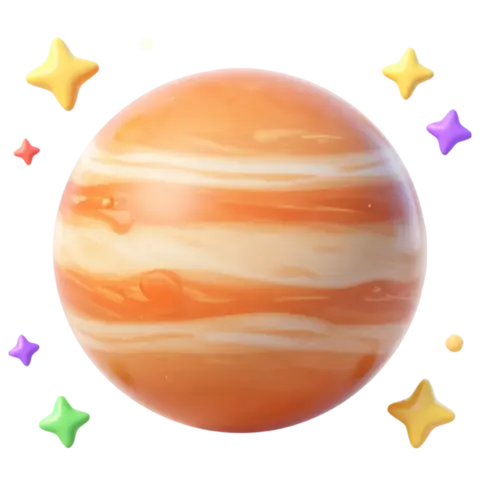
Jupiter (5th Best Friend)
Marks your fifth best friend. Represents a core member of your daily social circle.
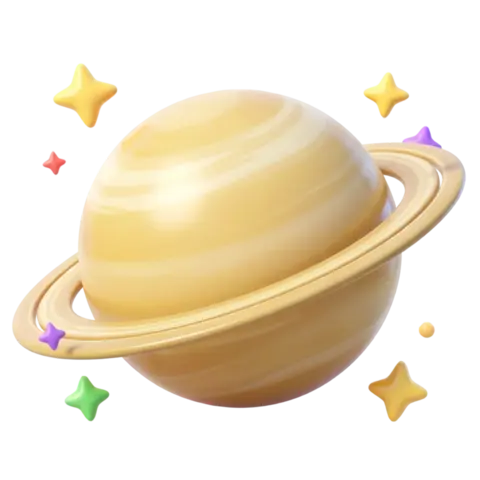
Saturn (6th Best Friend)
The sixth planet in orbit. Indicates casual messaging and active streaks.

Uranus (7th Best Friend)
Represents your seventh best friend. Marks periodic, low-maintenance check-ins.

Neptune (8th Best Friend)
The final planet in the solar system lineup. Represents the eighth spot on your best friends list.
Complete Snapchat Planet Order Quick Reference Chart
|
Rank |
Planet |
Visual Appearance & Design |
Friendship Status & Meaning |
|---|---|---|---|
|
1st |
Mercury |
Bright red planet surrounded by glowing pink hearts |
#1 Best Friend: Highest interaction, daily snaps, and frequent direct chats |
|
2nd |
Venus |
Light beige planet floating with pink, yellow, and blue hearts |
#2 Best Friend: Very strong daily bond with regular messaging and snaps |
|
3rd |
Earth |
Classic blue and green globe with red hearts and a tiny moon |
#3 Best Friend: High level of consistent daily activity and story interaction |
|
4th |
Mars |
Deep red planet decorated with small blue hearts and stars |
#4 Best Friend: Solid connection with steady, reliable contact |
|
5th |
Jupiter |
Warm orange planet with distinct stripes and colorful stars |
#5 Best Friend: Active group member with consistent weekly check ins |
|
6th |
Saturn |
Yellow golden planet featuring signature rings and sparkling stars |
#6 Best Friend: Casual connection with low maintenance snap streaks |
|
7th |
Uranus |
Soft green planet encircled by subtle yellow stars |
#7 Best Friend: Occasional chatting and periodic messaging |
|
8th |
Neptune |
Dark blue silent planet accompanied by a single blue star |
#8 Best Friend: Holds the final position on your top friends orbit |
How to Check Your Snapchat Planet (Step-by-Step)
Here is how you can quickly identify which planet you represent in a friend’s Snapchat Solar System:
What If You Cannot See a Snapchat Planet Badge?
If the solar system badge is missing from your friend’s profile, it usually happens due to these common reasons:
How Does the Snapchat Friend Solar System Work?
The Friend Solar System visualizes personal connections using a dynamic planetary model. Accessing this visual feature requires an active Snapchat Plus subscription, which dynamically calculates and displays relative friendship closeness based on back-and-forth platform activity.
What Is Snapchat Plus?
Snapchat Plus (Snapchat+) is a paid subscription service that gives users access to exclusive features, customization tools, and early experimental updates inside the app.
Subscribers get special perks such as:
How to Access Snapchat Planets (Snapchat Plus Feature)
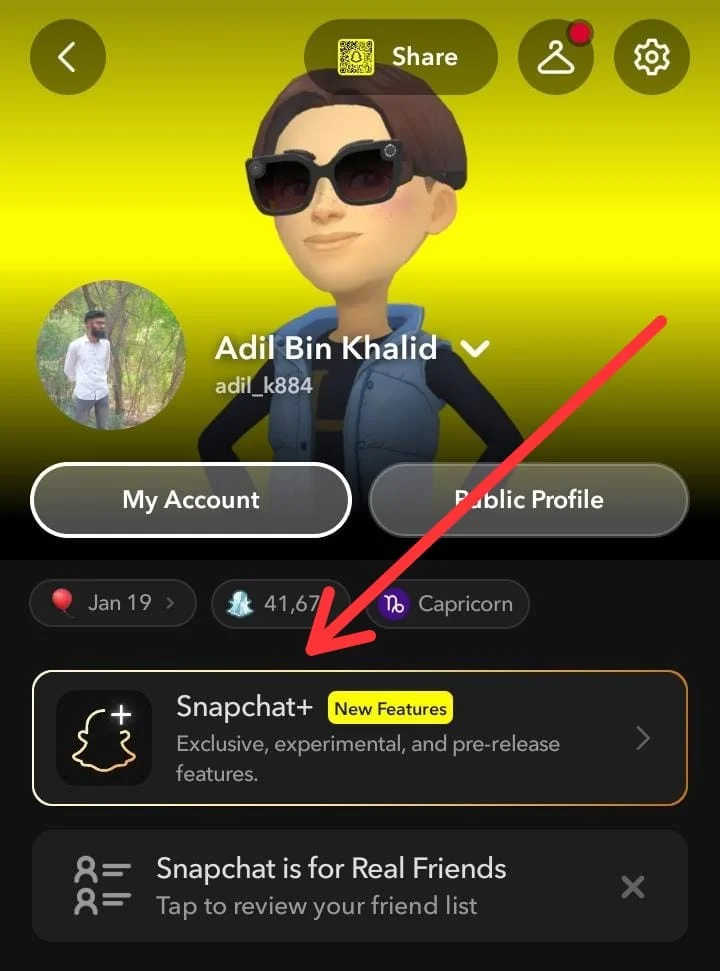
To access and use the Snapchat Planets feature, you need an active Snapchat Plus (Snapchat+) subscription. Snapchat Plus costs $3.99 per month or $29.99 per year (which saves you about 37%).
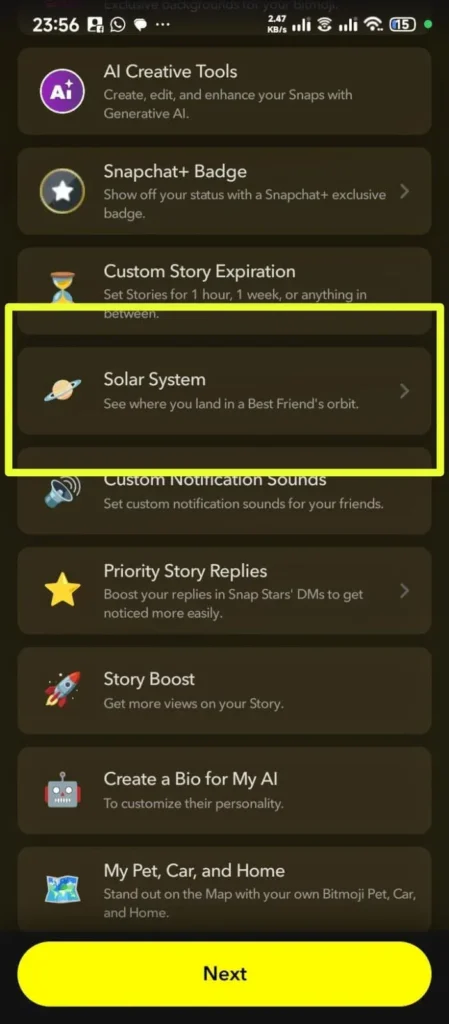
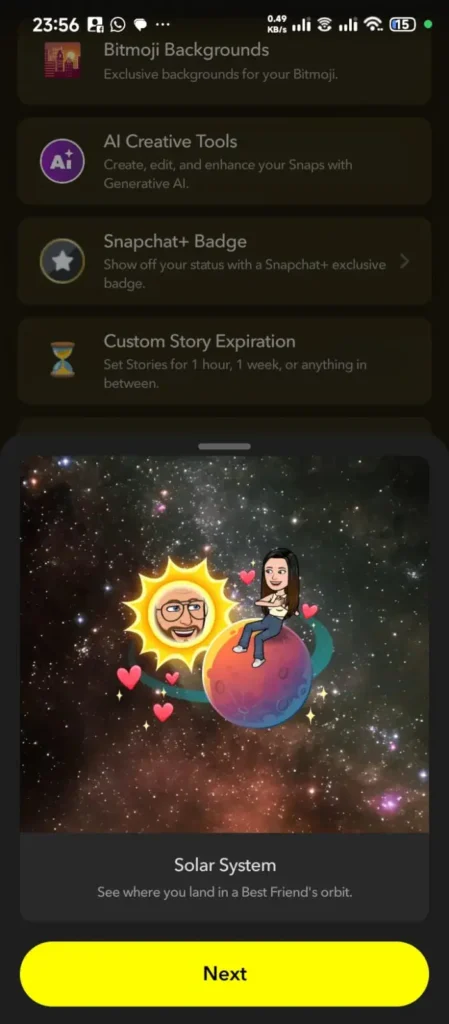
Once you are subscribed, follow these steps to turn on and view your Friend Solar System:
|
Feature |
Standard Best Friends List |
Snapchat+ Planets System |
|---|---|---|
|
Availability |
Available to all free users |
Exclusive to Snapchat Plus members |
|
Format |
Simple text-based ranking |
Visual planetary orbit around the Sun |
|
Visual Indicators |
Basic friend emojis |
Unique badges, hearts, and planet designs |
|
Ranking Insights |
Shows basic frequency order |
Shows exact planetary tier position (1–8) |
How to Access Snapchat Planets Without a Paid Subscription
Snapchat Planets are exclusive to Snapchat Plus, meaning there is no official hack or free tier to unlock the feature permanently. However, you can easily view your planet status without paying for a long-term plan through a few safe, legitimate methods.
Why Users Care About Snapchat Planets
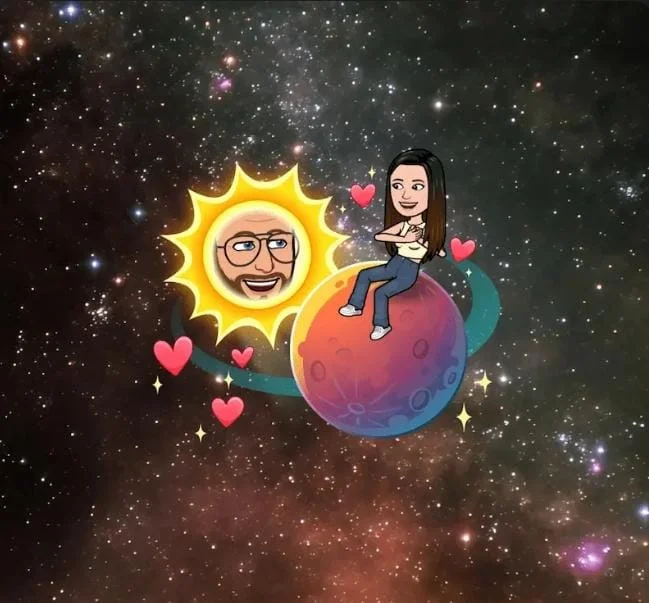
Snapchat Planets matter because they turn everyday messaging into a visual gauge of friendship closeness. They give users a clear, dynamic look at where they stand in a friend’s inner circle, adding a layer of social connection and fun to daily app activity.
Holding the Mercury or Venus position in an orbit feels like a clear sign of a strong connection, while slipping to an outer planet like Neptune can show a shift in daily chat activity. This visual dynamic naturally keeps users engaged, encouraging them to maintain snap streaks, exchange quick replies, and protect their top spot in their best friends’ solar system.
Difference Between Best Friend Badge and Friend Badge
When you inspect a profile using Snapchat Plus, you will see one of two badges:
Best Friend Badge (Gold Ring)
This badge means you are in their top 8 best friends list, AND they are in your top 8 best friends list too. You belong to each other’s solar systems.
Friend Badge
This means you are in their top 8 best friends list, but they are not in yours (or vice versa).
Why Is the Snapchat Solar System Turned Off by Default?
When Snapchat first launched the Friend Solar System, some users reported feeling stressed, hurt, or anxious after seeing their planet ranking drop in a friend’s orbit. Due to user feedback regarding mental health concerns, Snapchat updated how the feature operates. The Friend Solar System is now turned OFF by default for all subscribers. If you want to use it, you must turn it on manually inside your app settings.
Step by Step: How to Turn Snapchat Planets On or Off
Managing this setting takes only a few simple steps:
How to Turn It On:
- Open Snapchat and tap your Bitmoji in the top left corner.
- Tap the Snapchat+ membership banner.
- Scroll down until you find Friend Solar System.
- Switch the toggle button ON.
How to Turn It Off:
- Open your Profile and tap Snapchat+.
- Scroll down to Friend Solar System.
- Switch the toggle button OFF
Why Are Snapchat Planets Not Showing or Updating?
Missing, stuck, or un-updating Friend Solar System badges stem from several common technical and account-level factors. Use these steps to restore planet rankings:
Tips to Improve Your Snapchat Planet Placement
If you want to move closer to the Sun in a friend’s solar system or climb up to their Mercury or Venus spot, here are the most effective ways to boost your ranking:
The 9th Planet Rumor: Does Snapchat Have a Secret Planet?
Viral discussions across platforms like TikTok, Reddit, and X frequently claim that Snapchat features a hidden 9th planet, often referred to as Pluto, for accounts with extreme interaction levels. While these rumors generate significant curiosity among users, the technical reality of the application tells a completely different story.
Recently Uploaded Posts
-
How to Get Snapchat on Web PC and Mac Setup Guide
-
How to Turn Off Location on Snapchat
-
How to Fix Snapstreak Lost Issue Complete Recovery Guide
-
Snapchat Symbols Meaning Guide Icons Emojis Hearts and Story Signs
-
How to Change Your Snapchat Username Step by Step Guide
-
3000+ Snapchat Name Ideas Cool Funny Aesthetic Snap Handles
Frequently Asked Questions
Conclusion
Snapchat Planets provides a clear snapshot of who you communicate with most on the app. Instead of guessing who your top friends are, the system uses your actual daily messaging history to arrange your inner circle into an organized planetary layout.
Climbing closer to the center of someone’s orbit takes consistent communication. Staying active with direct photo snaps, replying to stories, and keeping daily streaks alive naturally moves your ranking toward those top Mercury and Venus positions over time.
Control and privacy remain entirely in your hands. Snapchat keeps this feature disabled by default, so you can decide when to activate it within your Snapchat Plus settings. Subscribing lets you check your friend rankings whenever you choose while enjoying all the extra customization generator available on the platform.